
As a product supplier, you can access the system by following these steps:
Access to LRP Suppliers is managed by each client.
You will only be able to log in and operate in the system once your client provides you with the credentials. Ask the client for assistance if you are unable to access the system.
How to access the system
-
Go to https://lrp.logit.com.co/LRP_Proveedores/wfLogin.aspx (Note that you can change the language of the system by clicking on top-left corner of the screen.)
-
Open the LRP Suppliers section.
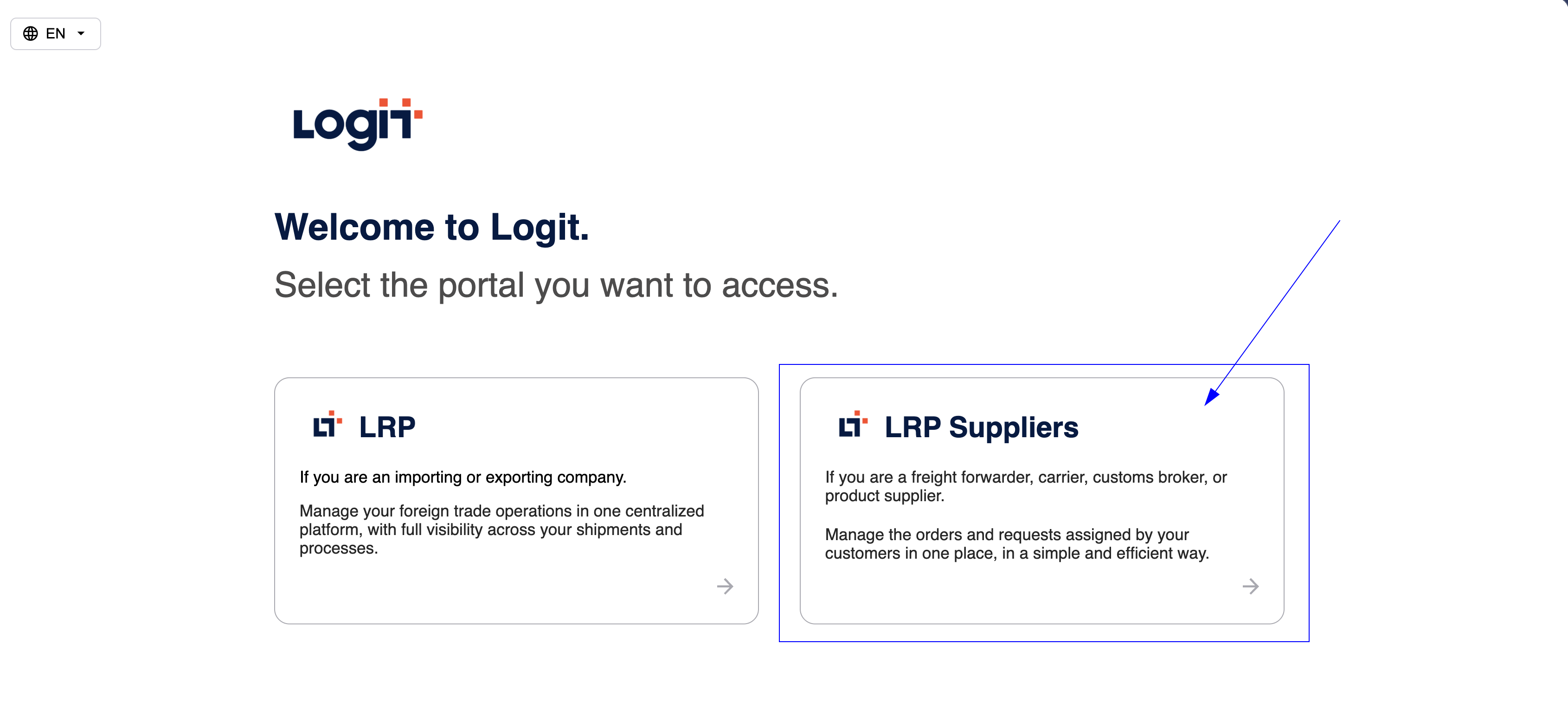
LRP platforms -
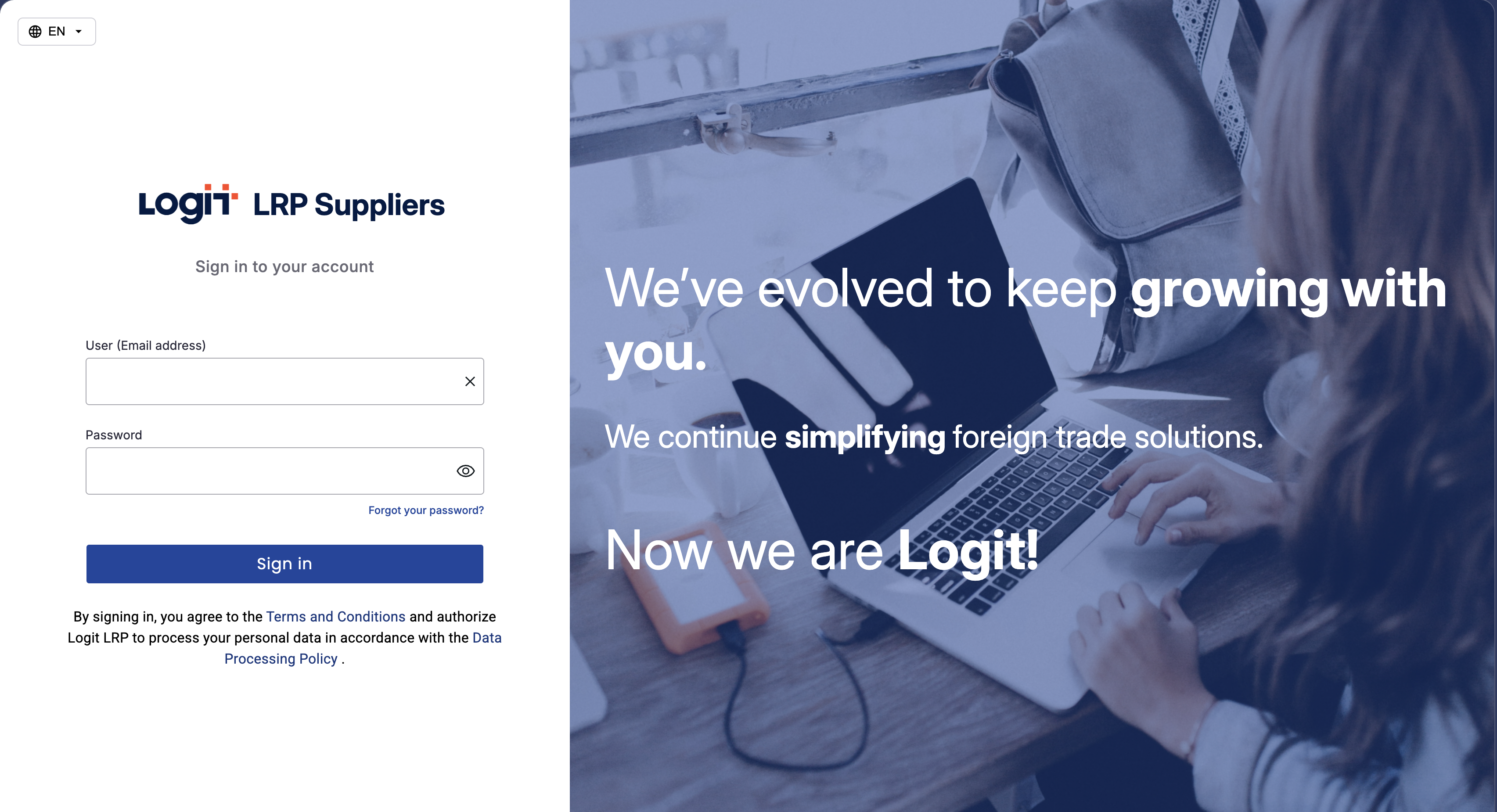
Sign in using your credentials.
-
After logging in, you will be directed to the LRP Suppliers main screen.
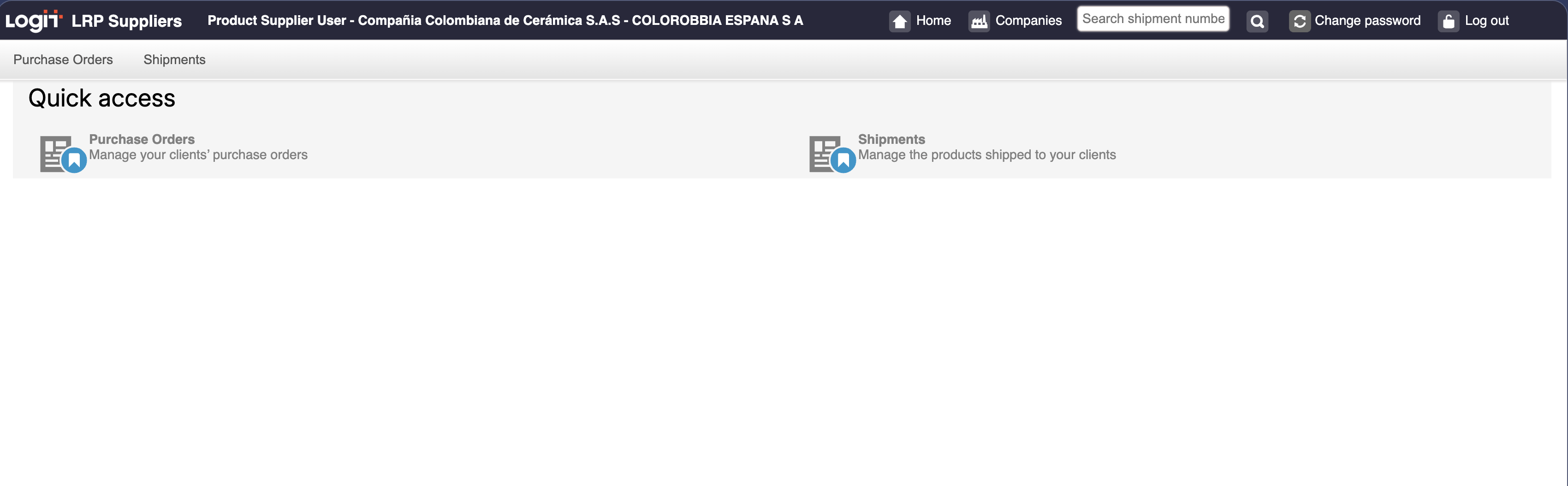
Product suppliers main screen